




To record audio directly into a patient’s chart in Atlas.md Mobile:
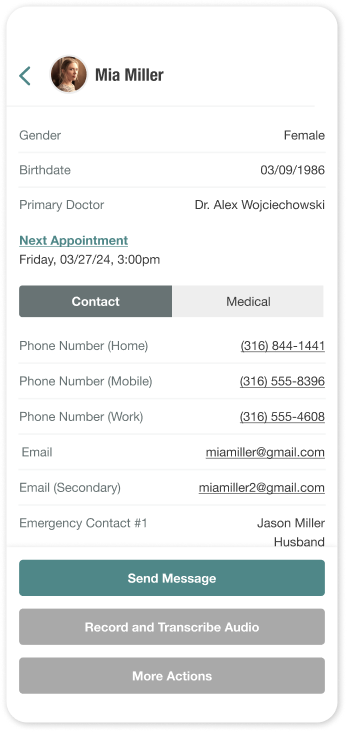
- Head to the patient’s profile
- Tap Record and Transcribe Audio
- Tap the record button to begin recording
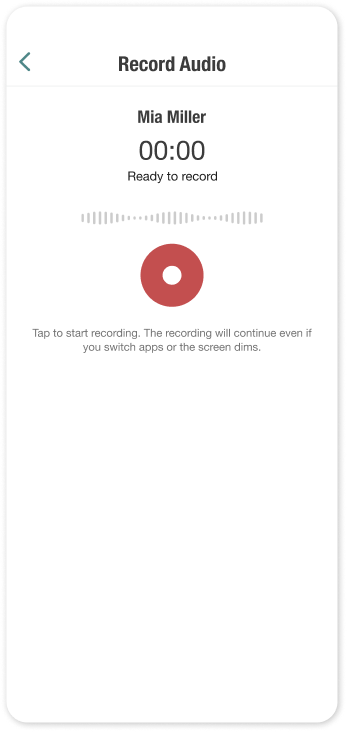
- Tap Complete Recording when finished
After recording:
- Tap Play to review the audio
- Optionally, add a description
- Then, tap Add to Patient Chart or Discard
Once saved, the recording is automatically uploaded to the patient’s chart in Atlas.md. The audio is transcribed and prepared for SOAP note generation.
