




To call a patient in Atlas.md Mobile:
- Head to their profile
- Scroll to the bottom of the page, tap More Actions, then Make a Call
Atlas.md will ask permission to access your microphone – tap Allow.
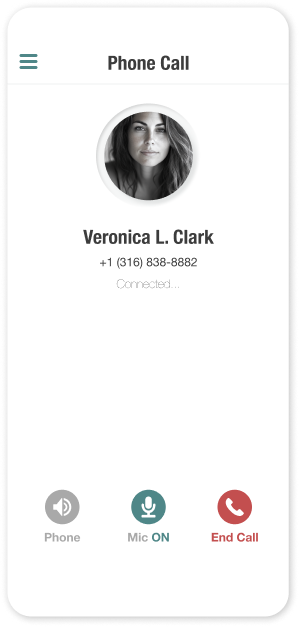
Once the call has been initiated, you have the option to change your audio output, mute your microphone, or end the call.
