




To add an attachment to a patient’s chart in Atlas.md Mobile:
- Head to the patient’s profile
- Scroll to the bottom of the page, tap More Actions, then Add Attachment
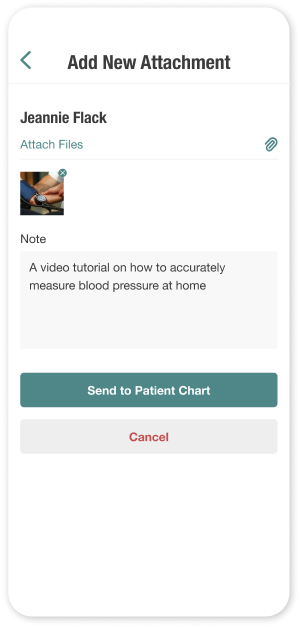
- Choose the images you’d like to attach (between 1 and 3 at a time) and optionally add a note. To mention a teammate in your note, type @ and select their name from the list. The person you mention will be notified automatically.
Once you’re happy with your selection, tap Send to Patient Chart.
Any newly added attachments will automatically display on your patient’s chart in Atlas.md.
