


Atlas Balance
Help Center
How Do I Create a New User?
You can add new users to your Atlas Balance account at any time from your dashboard.
From the sidebar navigation, click Users, then select Register New User.
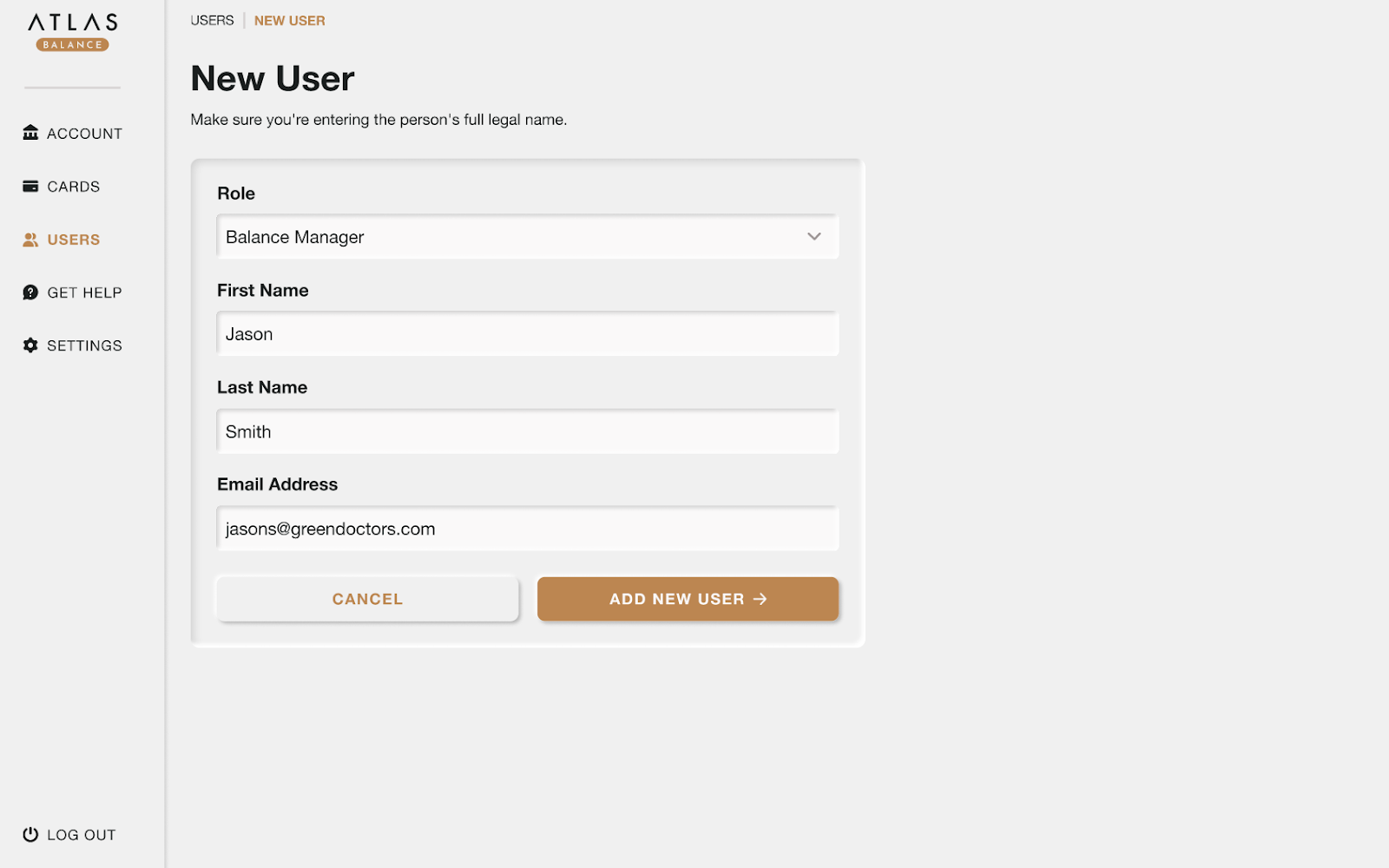
Choose the user's role:
- Administrator
- Balance Manager
- Card Holder
Enter the user’s first and last name and email address. For certain roles, such as Card Holder, we may be required to collect additional documentation to verify the user’s identity under KYC regulations. This information is securely passed to Stripe before a card can be issued.
When everything looks correct, click Add New User.
The new user will receive an email with instructions to access their account.
Deleting a User
You can remove a user from your Atlas Balance account at any time.
From the sidebar navigation, click Users and select the user you want to delete.
On their profile page, click Delete User. Confirm your choice when prompted.
Once deleted, the user will no longer have access to your Atlas Balance account. Any cards issued to them will be automatically deactivated.
